Setting up your first Content2Go branch for a furniture workshop? Ask the assistant these three questions
Use a furniture workshop example to decide what changes with each release, choose a format that fits the photos you have, and check both the first finished piece and whether the branch can produce a second one with new materials.
Start with one recurring series
On November 20, 2026, Content2Go announced on its Telegram channel that its AI assistant was available during branch setup to answer questions about variables, format settings, and how to start a release. In this example, a furniture workshop’s social media team uses the assistant to prepare its materials, select a format, and review the first finished piece in Content2Go.
Suppose the workshop runs a community on VK, a Russian social network, and wants to start a series called “One Detail Up Close.” For the first installment, the team has a photo of the whole table, a close-up of its rounded edge, and a verified description of how the edge was finished. The branch stores the format and settings for the series. Each release is a single piece of content. The first features the table edge, and the next can feature a different piece of furniture or a different detail.
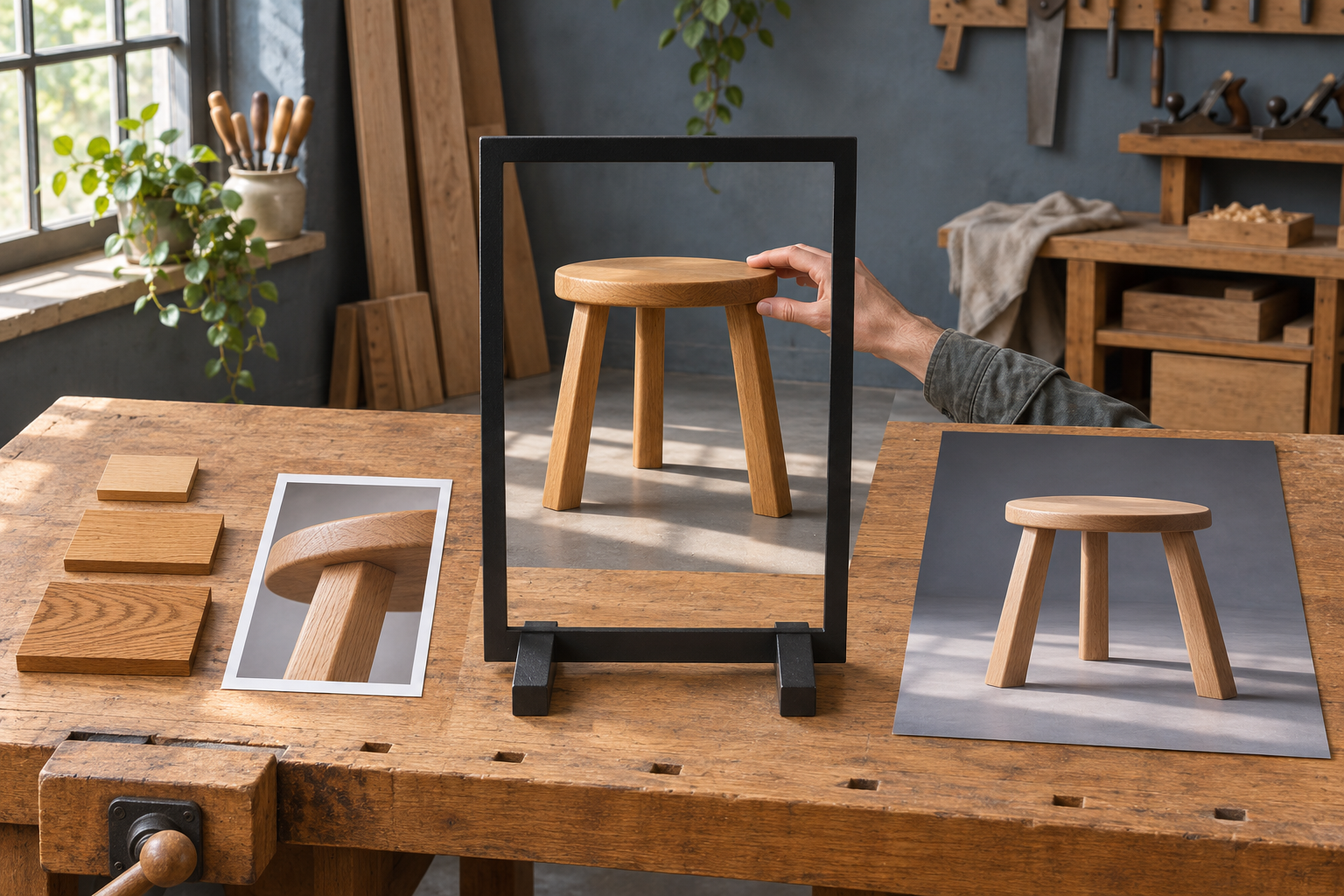
What should change with each release?
Ask the assistant, “We’re planning a series called ‘One Detail Up Close.’ Each time we’ll show the whole piece, then one detail, and briefly explain why it matters. For the format we choose, which settings can we keep in the branch, and what information should we update for each release?”
In this example, the order stays the same. The product name, featured detail, explanation, and photos change. In your notes for the table, write down “rounded edge” and include the close-up in the source materials. Once you’ve chosen a format, use the assistant’s answer to guide you through the branch setup and confirm which settings are available there. Keep a short materials list that a teammate can use to prepare the next installment.
Which format fits the materials you already have?
Give the assistant a specific inventory. “We have a photo of the whole table, a close-up of the edge, and a short description. We’re making a recurring series for our VK community. Which format supports branches, accepts these materials, and lets us use the same structure for the next piece?”
A carousel is one option. The first slide could show the whole table, and the second could pair the close-up with a short explanation. Confirm that the specific format offers branch creation and check its catalog card for the required materials. For this series, look for a format that works with the photos you already have and can show another piece in the same order.
What should you check in the first finished release?
Before you start, ask, “How do we use manual mode for this format, where can we see the status of our first release, and what should we check in the finished piece?” In manual mode, the team starts each release itself. Check the release status under My branches.
When the release is ready, open the finished piece in Content2Go. Confirm that the first photo shows the intended table and that the close-up shows the edge described in the caption. Read the caption in the finished piece to make sure it’s legible and conveys the approved explanation.
Have a teammate use the materials list to prepare a new set for the next piece. That tests whether the team can repeat the preparation. To test the branch itself, start a second release with the new materials. It passes this check if the finished piece shows the new product and detail in the same order and the caption matches the new source material.